Invoice clients in any of 60+ currencies.
When recording payments, VoxInvoice fetches live exchange rates from the Frankfurter API (backed by European Central Bank data) and automatically calculates forex gain or loss.
Choose your invoice currency right from the new invoice form, and see the full conversion breakdown — market rate, expected amount, actual amount received, and effective rate — all in one place.
How to get started
- 1Go to Invoices and click New Invoice
- 2Select the invoice currency from the currency dropdown
- 3Fill in the client, line items, and other details as usual
- 4Save the invoice — it's now denominated in the chosen currency
- 5When recording a payment, the forex conversion panel shows the live market rate
- 6Enter the actual amount received in your home currency to see the gain or loss
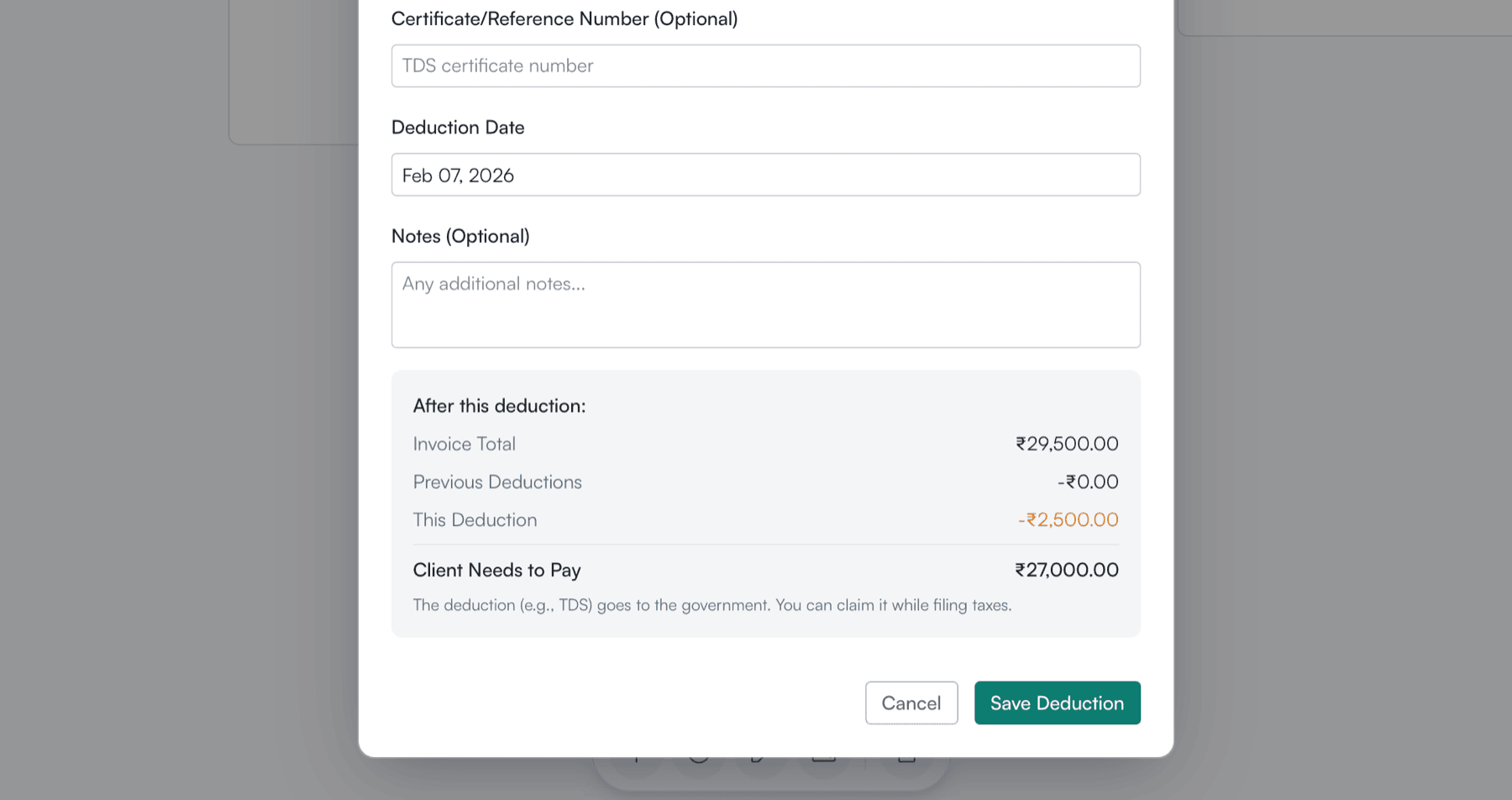
Recording a payment with live forex conversion showing market rate, expected and actual amounts
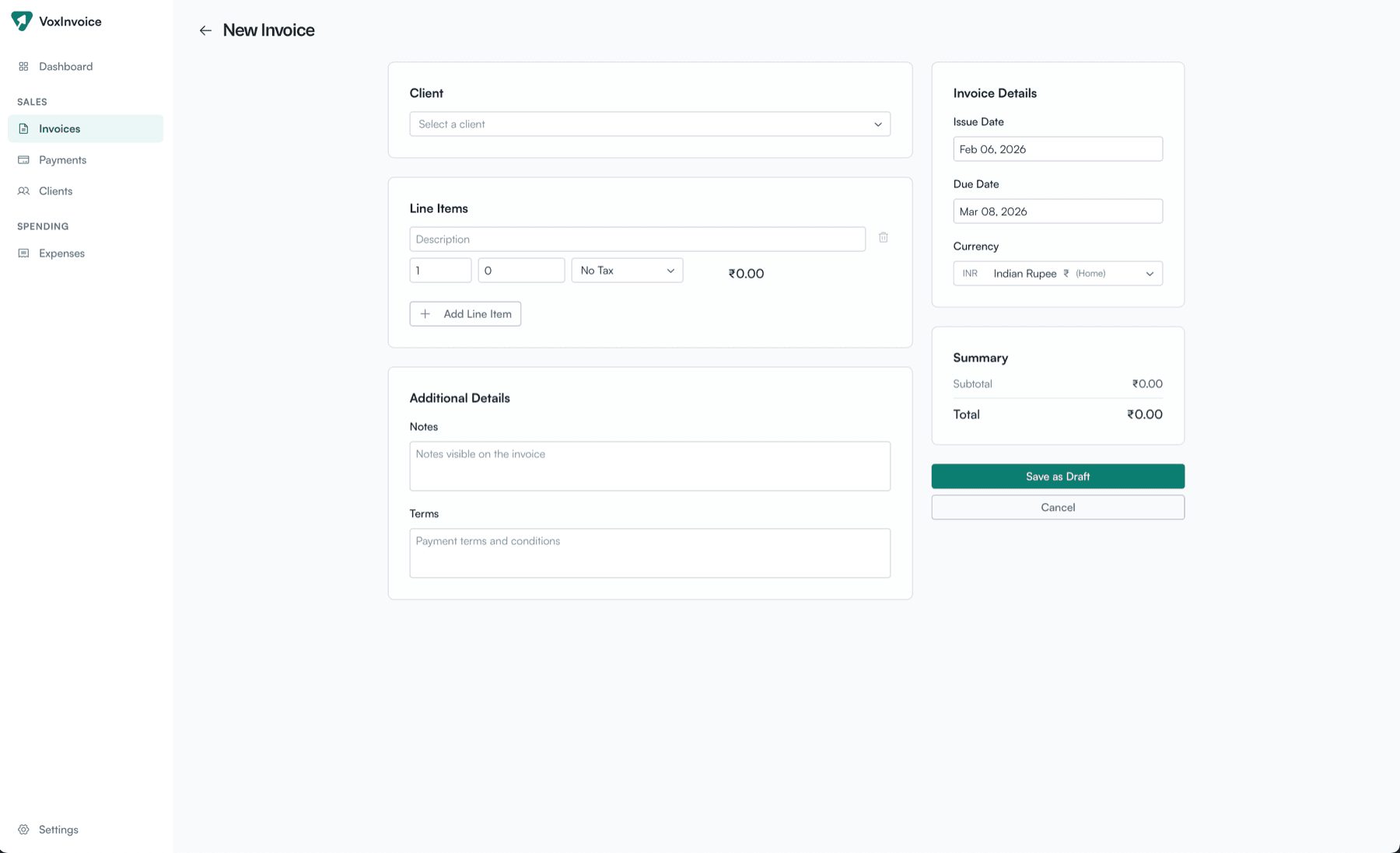
New invoice form with currency selector for multi-currency invoicing