Never miss a follow-up again. VoxInvoice now sends native desktop notifications to remind you about upcoming due dates and overdue invoices.
Get notified one day before an invoice is due, the moment it becomes overdue, and periodically until it's paid.
Customize reminder preferences per business, set quiet hours so you're not disturbed outside work, and enable or disable notifications anytime from Settings.
How to get started
- 1When prompted, allow VoxInvoice to send notifications on your device
- 2Go to Settings from the left sidebar
- 3Open the Notifications section
- 4Enable the reminders you want — due soon, overdue, and periodic follow-ups
- 5Optionally set quiet hours to avoid notifications outside work
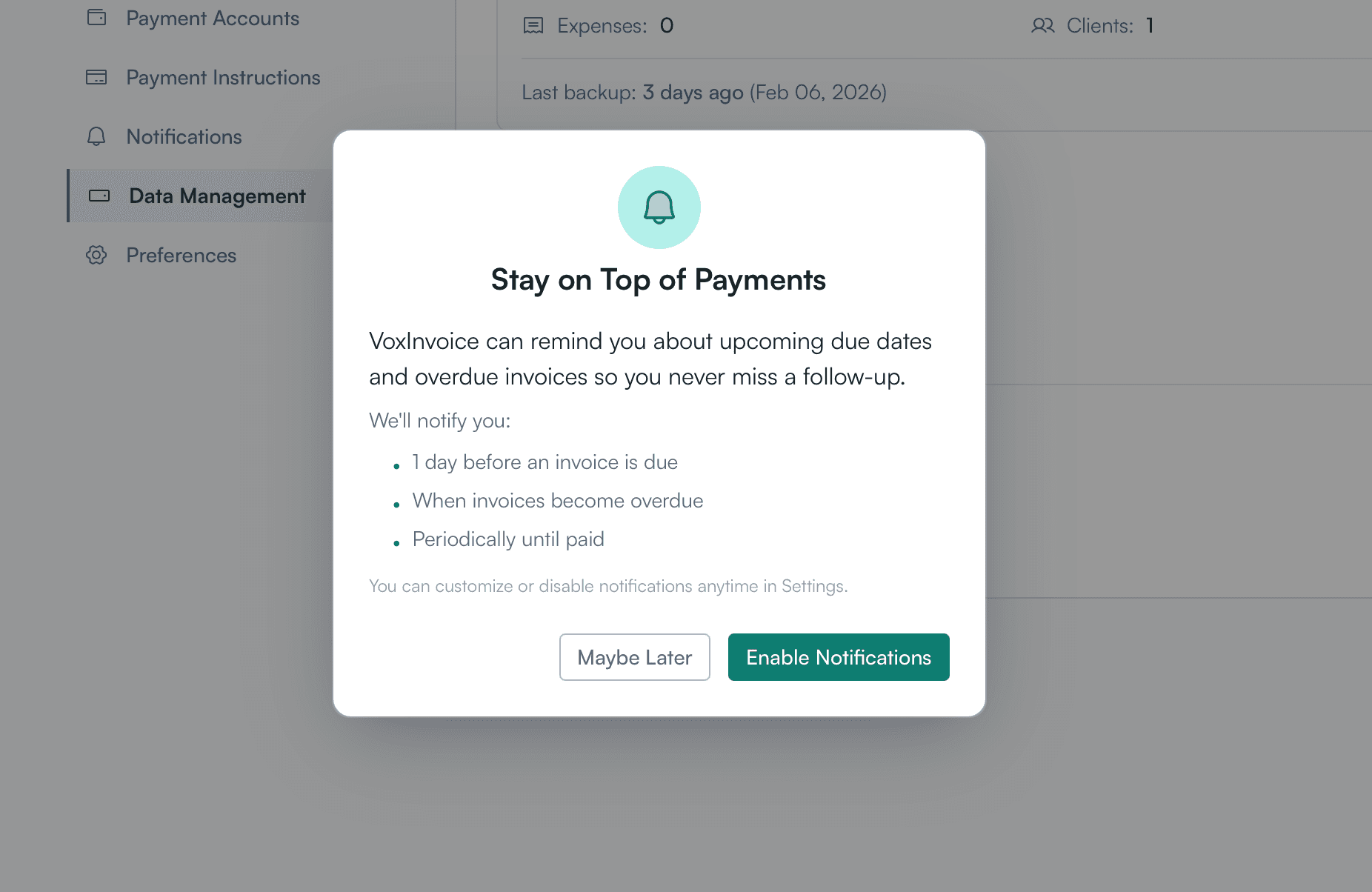
Notification permission dialog prompting to enable payment reminders for due and overdue invoices