Keep tabs on every business expense in one place.
Log expenses with categories like Travel, Software, Office Supplies, Professional Services, and more.
Filter by category or date range, search by description, and export your expense data anytime. The running total keeps you aware of your overall spending at a glance.
How to get started
- 1Go to Expenses from the left sidebar
- 2Click Add Expense to log a new entry
- 3Fill in the amount, date, category, and description
- 4Optionally attach a receipt image
- 5Press Save — the expense appears in your list with a running total
- 6Use the category and date filters to narrow down your view
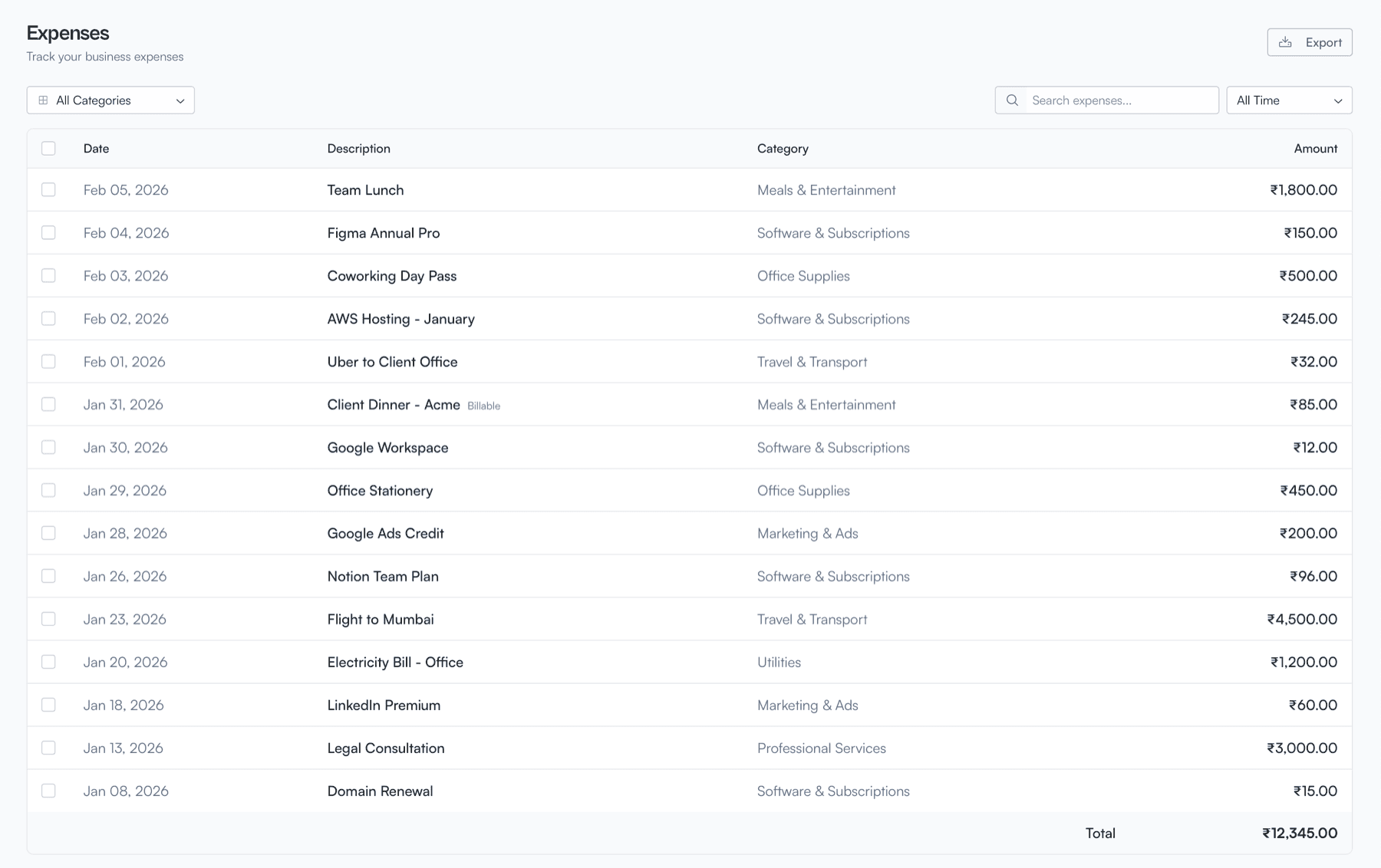
Expenses list with category filters, search, and running total