Set up your business profile with all the details that matter — name, address, country, state, GSTIN, and more.
Running more than one business? Add as many as you need and switch between them seamlessly.
Each business gets its own invoices, clients, expenses, and settings.
How to get started
- 1Go to Settings from the left sidebar
- 2Fill in your business name, address, country, state, and tax ID (e.g. GSTIN)
- 3Press Save to store your business profile
- 4To add another business, click Add Business at the top
- 5Switch between businesses anytime using the business switcher in the sidebar
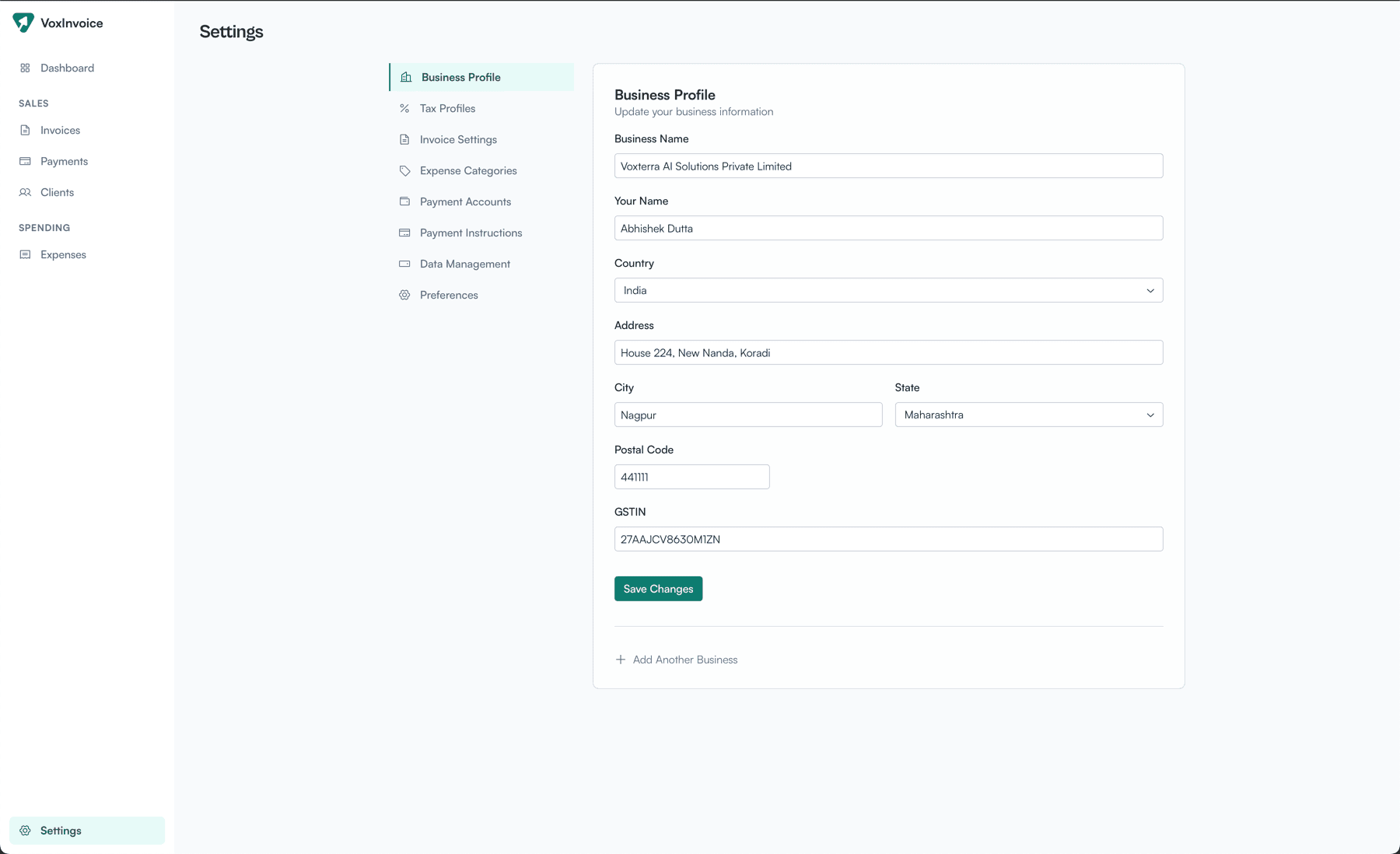
Business profile settings with form fields and multi-business support