Your data lives on your device — always.
The data management screen shows exactly what's stored: businesses, invoices, expenses, and clients.
Export a full backup (optionally including receipt images) anytime, and restore from a backup to move your data to another machine. No cloud dependency, no subscriptions, no surprises.
How to get started
- 1Go to Settings from the left sidebar
- 2Open the Data Management section
- 3View a summary of everything stored — businesses, invoices, expenses, and clients
- 4Click Export Backup to save a full backup file (optionally include receipt images)
- 5To restore, click Restore from Backup and select a previously exported file
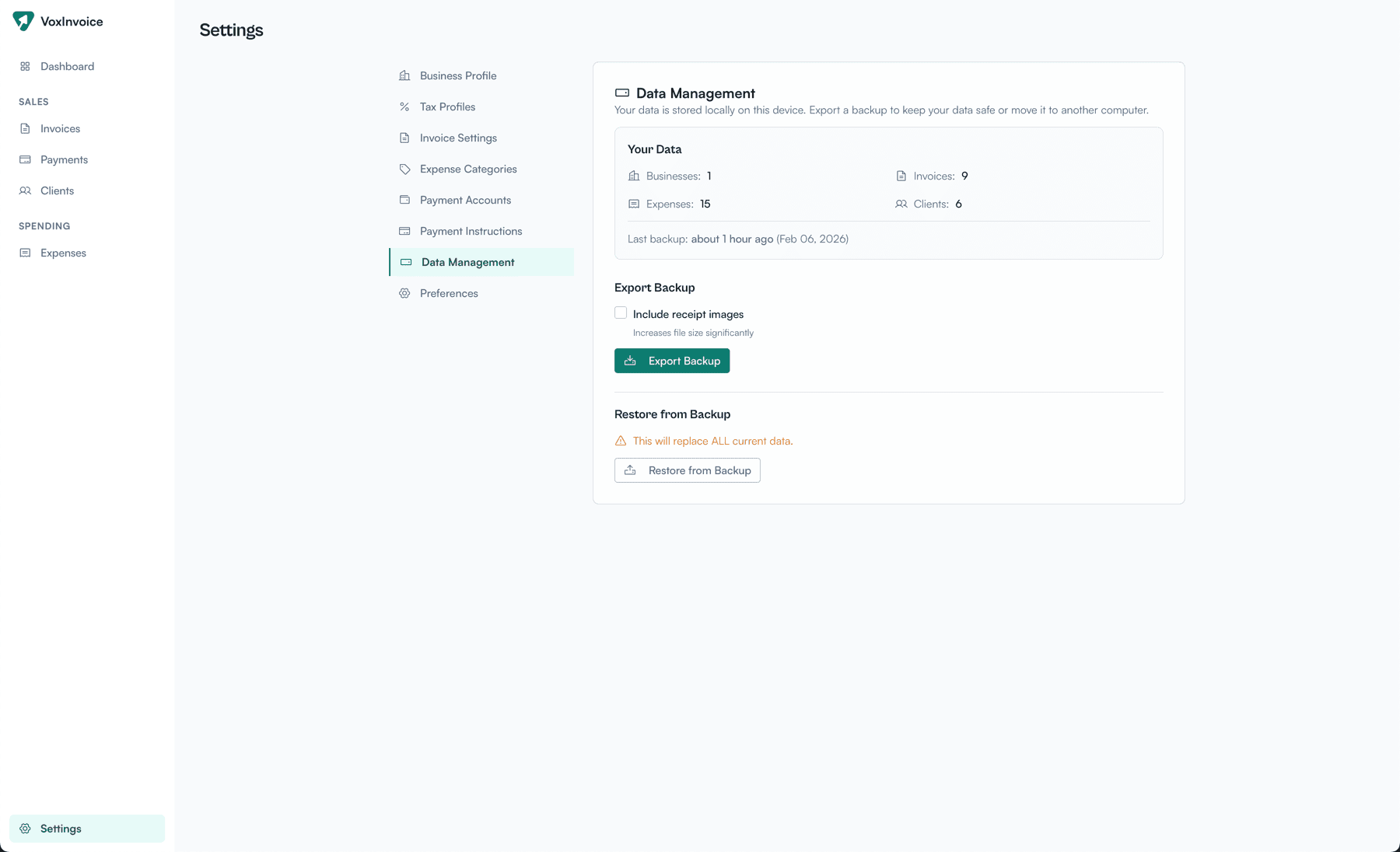
Data management settings with backup export and restore options