It's the 18th of the month. Your accountant is messaging you about GSTR-1. The cloud invoicing tool you switched to last year is “experiencing degraded performance.” Three invoices from last week need to be reissued with the correct place of supply, and you can't open them.
This is the small-business tax problem in 2026. The software you depend on for legal documentation is rented from a vendor whose uptime decides whether you file on time.
An Offline GST Billing Software for Small Business flips that relationship. The whole tool — GST engine, invoice generator, client list — runs on your own machine. Your records sit in a file on your hard drive. The vendor going down is suddenly not your problem.
This is a practical guide to what that should actually look like: how the GST math works, how VAT handles itself when you start invoicing the UK or UAE, what changes when you bill a foreign client, and what you give up by leaving the cloud.
The Small-Business Tax Problem
Most cloud invoicing tools were built for a company in one country, billing in one currency, under one tax regime. The minute your reality looks different — a Mumbai consultant billing a Dubai client, a Bangalore agency working with a UK studio, a Pune shop selling to clients in another state — those defaults stop working.
The friction points repeat:
- GST place-of-supply rules treat intra-state and inter-state differently — many tools handle one but not both cleanly.
- VAT for the UAE (5%) and UK (20%, with reverse-charge for some B2B) needs to coexist with GST in the same app, for the same business.
- Foreign-currency invoices need a recorded market rate and a separate home-currency total — most cloud tools give you one number and call it a day.
- When the tool goes down on the 19th, your filing deadline doesn't.
A real Offline GST Billing Software for Small Business handles all four cleanly because it's designed for the messy middle, not the marketing demo.
GST, the Way It Actually Works
Here's the part that should be table stakes but often isn't. GST in India breaks down by where supply happens:
| Scenario | Applies | Example (18%) |
|---|---|---|
| Same-state supply | CGST + SGST split | 9% + 9% |
| Inter-state supply | IGST only | 18% |
| Export of services | Zero-rated (LUT) or IGST refundable | 0% / 18% refund |
| UT (e.g. Chandigarh) | CGST + UTGST split | 9% + 9% |
A proper Offline GST Billing Software for Small Business runs this logic the moment you set the place of supply. You pick the state on the client record, and the invoice PDF renders the correct split — same-state shows two columns (CGST + SGST), inter-state shows one (IGST). HSN/SAC codes are line-level, your business GSTIN sits in the header, and the totals balance to the rupee.
Achieving real regional tax compliance at the invoice-document level is what most freelancers and small businesses actually need on a daily basis. It's not glamorous — it's correct splits, correct HSN, correct GSTIN format. A serious Offline GST Billing Software for Small Business gets those three right before anything else.
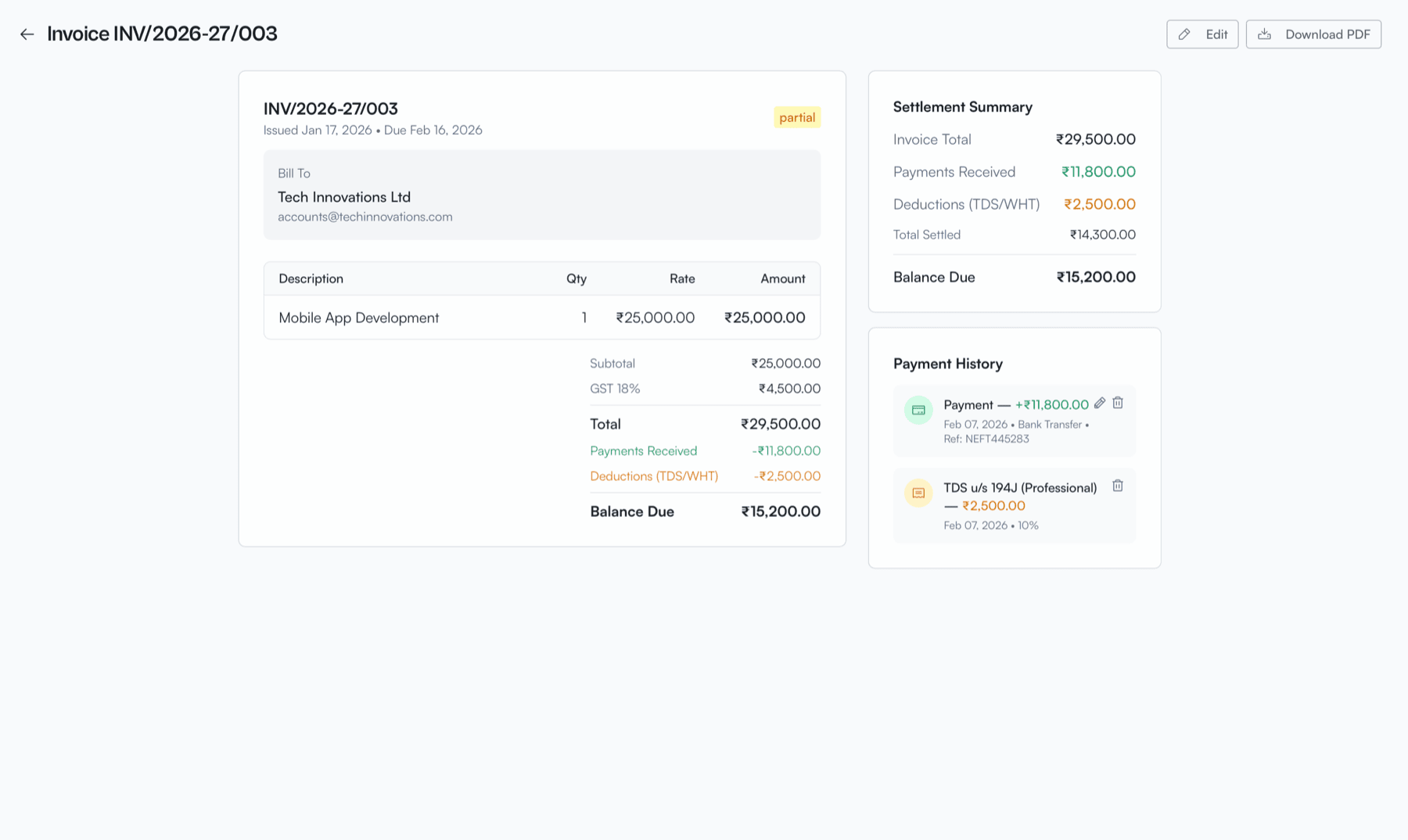
Same-state supply: CGST + SGST split rendered automatically on the PDF.
Worth saying plainly: VoxInvoice does invoice-level regional tax compliance — correct math, correct format, clean GSTR-1 numbers for your accountant. It is not an IRP/e-invoicing integration. If your turnover crosses the e-invoicing threshold, you'll still file separately. For most small businesses under that threshold, document-level compliance is the entire job.
Cross-Border: UK and UAE VAT
If you work with clients outside India, your tool needs to switch regimes without you switching apps.
A capable VAT compliant invoice generator handles three different situations, none of which look like GST:
- UAE B2B at 5% — VAT charged, TRN displayed, AED on the invoice.
- UK B2B at 20% — UK VAT number, reverse-charge note for services to other businesses where applicable.
- Export of services from India — zero-rated under LUT, with a note explaining why no GST is charged.
In VoxInvoice, you set up a separate business profile for the regime you operate under (GSTIN-based for India, TRN for UAE, VAT number for UK). A real VAT compliant invoice generator doesn't bolt VAT on top of GST — it lets each business carry its own tax identity, its own currency, and its own invoice template. The wrong move is one app trying to mash three tax regimes into a single configuration screen.
Worth a caveat here: VoxInvoice is a VAT compliant invoice generator at the document level — TRN/VAT number on the invoice, correct VAT line, reverse-charge note where applicable. UK/UAE return filing (FTA, HMRC) is separate and handled in your home jurisdiction's portal.
That clarity matters: a VAT compliant invoice generator is responsible for the document and the math. The portal handles the return. A trustworthy Offline GST Billing Software for Small Business is honest about that line.
Most small agencies invoicing internationally never need more than a strong VAT compliant invoice generator plus their accountant. Anything heavier is enterprise scope.
Billing in Foreign Currency, Without Losing the Trail
Foreign-currency invoicing has two numbers that matter: what your client owes (in their currency) and what you actually book in your home currency on the day they pay.
A real Multi-currency billing app tracks both, separately. You raise an invoice in USD for $5,000 to a client in California. The client pays 28 days later. The exchange rate moved. Your bank deposits ₹4,17,500 instead of the ₹4,15,000 the invoice date implied. That ₹2,500 difference is forex gain — and you want it recorded against the same invoice, not lost in the noise.
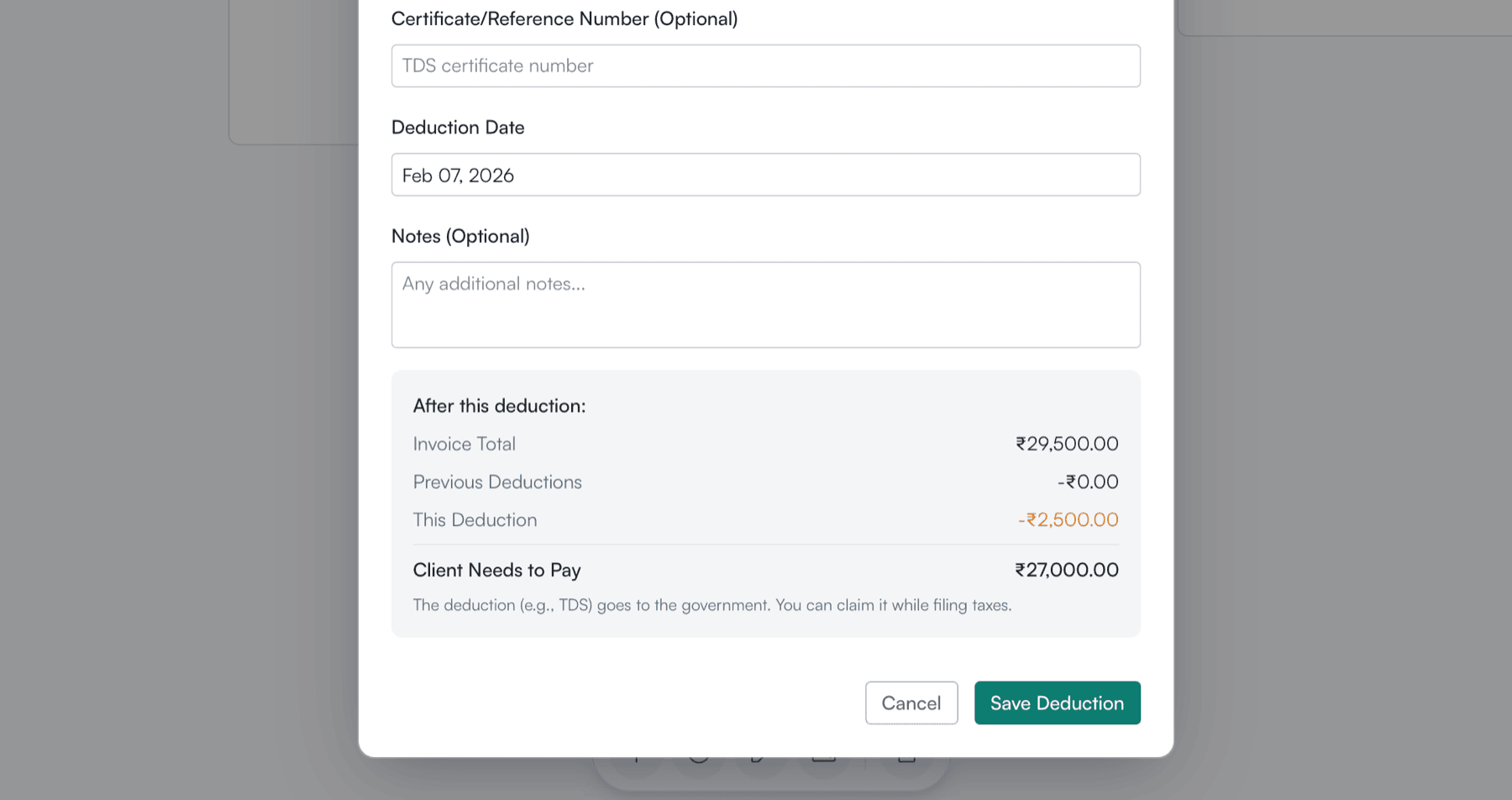
Recording a payment in a foreign currency — market rate captured, forex gain/loss tracked.
VoxInvoice ships with 40+ currencies and a free forex source (Frankfurter/ECB) for the latest rates. As a Multi-currency billing app, it does four things you actually want:
- Bill in your client's currency, on their invoice template
- Show the home-currency equivalent for your records
- Capture the market rate at the moment of payment, not the invoice date
- Record forex gain/loss per payment, visible on the dashboard
Most invoicing tools that call themselves a Multi-currency billing app stop at the first item on that list. The rest is what your CA needs for clean books at year-end.
For a small business that exports services, having a real Multi-currency billing app baked into the same tool as your regional tax compliance engine is the difference between “invoicing software” and “a thing your accountant has to clean up every quarter.”
Bundling forex into the same product is one of the practical advantages of an Offline GST Billing Software for Small Business over the typical cloud starter plan: the multi-currency feature isn't a higher tier you have to upgrade into, it's how the app works on day one.
Mac, Windows, and Linux — Same App
Your laptop runs macOS. Your office desktop runs Windows. Your dev box runs Linux. Most small businesses have at least two hardware ecosystems in play, and most invoicing tools treat one as a second-class citizen.
VoxInvoice is a single codebase that ships as a real native app on all three. You can use it as a Free GST invoice maker for Mac/Windows with no compromises on either side — same features, same database format, same invoice templates.
macOS
Native .dmg installer. Universal binary for Apple Silicon and Intel. Sits in your Applications folder.
Windows
.msi installer with code-signed binaries. Works on Windows 10 and 11. The Free GST invoice maker for Mac/Windows bit isn't a tagline — it's literally the same product on both.
Linux
.deb, .rpm, and AppImage. Tested on Ubuntu, Fedora, and Arch. No Snap-Store-only nonsense.
Practical consequence: switch laptops mid-year? Export your VoxInvoice JSON backup on the old machine, install on the new one, restore. The Free GST invoice maker for Mac/Windows hands data between platforms without translation. Cross-platform portability is one of the under-rated benefits of an Offline GST Billing Software for Small Business — your database is a file, not a vendor account.
For most small businesses, having a real Free GST invoice maker for Mac/Windows eliminates one of the silliest tax-software bottlenecks: the “sorry, the office machine has the right version” problem.
Your Data Stays With You
Every invoice is a financial record. Every client address is sensitive. Every GST number in your client list ties an entity to a tax identity. Private invoice data management is the difference between “a vendor has all this” and “you have all this.”
VoxInvoice stores your books in a SQLite database file on your computer. The whole thing — clients, invoices, payments, expenses, tax history — lives in your app data folder. No sync, no telemetry, no “we use your data to improve our service.” That's what real private invoice data management looks like at the file-system level.
No account, no email harvest
You don't register. You don't verify an email. The first time you open the app, you set up your business profile and start invoicing.
Runs offline by default
No connection required for any core feature — GST math, PDF generation, payment recording, expense logging. Strong private invoice data management just falls out of that design.
One-click backup, one-click restore
A full JSON export from Settings → Data Management. Move it to a new machine and restore. No support tickets, no vendor in the loop.
Why this matters for tax specifically: a vendor breach exposes your client GSTINs, your revenue numbers, your payment timing. Private invoice data management removes you from that target list. The most reliable way to keep your tax records out of someone else's breach disclosure is to never upload them.
A serious Offline GST Billing Software for Small Business treats this as the default mode, not an opt-in setting buried three menus deep. Local-first isn't a privacy add-on — it's the architecture.
For a small business owner thinking about GDPR (clients in the EU), India's DPDP Act, or just basic professional discretion, picking software with strong private invoice data management as a default is one of the few decisions that quietly compounds.
What It Costs
Free. The desktop app is free forever for one user, both businesses, all currencies, all tax regimes. There is no “GST module” or “multi-currency add-on” gated behind a tier. Regional tax compliance is part of the base product.
That's the structural difference between an Offline GST Billing Software for Small Business and a SaaS “starter plan”: there's no upgrade path because there's no rented feature. Both businesses, both tax regimes, both currencies you handle most often — all in the free tier, by design.
VoxInvoice Plus (coming) will add cloud sync, team seats, and a third business slot — things that cost us real money to run. If you don't need them, the free desktop tool does the whole job.
What It Doesn't Do
Honest comparison includes the trade-offs:
- No IRP/e-invoicing integration. If your turnover crosses the threshold, you file e-invoices in the IRP portal separately.
- No GSTR-1 / GSTR-3B auto-filing. VoxInvoice gives your accountant clean numbers; they file through the GSTN portal or their preferred filing tool.
- No bank reconciliation. Payments are recorded manually (or paste-imported), not auto-matched from bank feeds.
- No multi-user editing on one machine. The desktop app is single-user; team features come in Plus.
For most small businesses under the e-invoicing threshold, those four limits are invisible. If any of them are deal-breakers for your operation, you need a different category of software — a full accounting/ERP suite, not an Offline GST Billing Software for Small Business. Document-level regional tax compliance is the job; bookkeeping and bank reconciliation are different jobs.
Common Questions
Will the invoice format be accepted by my CA?
Yes — the PDF carries your GSTIN, the client's GSTIN (if B2B), HSN/SAC at line level, correct CGST/SGST or IGST split based on place of supply, invoice number, invoice date, and place of supply line. That's the document format your CA uses for GSTR-1.
Can I use this if I'm in the UAE only?
Yes. Set the business country to UAE, enter your TRN, set currency to AED. VoxInvoice becomes a VAT compliant invoice generator for the UAE — 5% VAT, TRN on the invoice, AED totals. No GST appears anywhere.
What if I run two businesses — one Indian, one UAE?
VoxInvoice supports two business profiles in the free desktop app. Each has its own tax regime, currency, GSTIN/TRN, and clients. You switch between them from the top of the app — same database, separate books.
How does the Multi-currency billing app handle forex gain/loss for tax?
Each payment records the actual rate at receipt. Forex gain/loss is computed per payment and shown in the dashboard summary. Export the JSON or have your accountant read the values directly — they map to standard forex-gain bookkeeping.
Will it really run offline?
Every core feature — invoice generation, GST/VAT math, PDF export, payment recording — runs with no internet. The only thing that needs a connection is fetching latest forex rates, and a previous cached rate is used if you're offline.
Is the Free GST invoice maker for Mac/Windows identical on both?
Same codebase, same features, same database format. The only difference is the installer. The Free GST invoice maker for Mac/Windows is one product, two binaries.
How is my data protected if I lose my laptop?
Backup discipline. Use the built-in JSON export plus your OS-level backup (Time Machine, File History) on top. Restore on the new machine and your books are back. That's the private invoice data management trade-off — no vendor recovery, but no vendor lock-in either.
Get VoxInvoice
VoxInvoice is a free Offline GST Billing Software for Small Business built for India, UAE, UK, and anywhere else regional taxes need to be done right. macOS, Windows, Linux. No account. No card.
Take back your tax stack.
Free forever. GST, VAT, multi-currency — all on your machine.
Download VoxInvoice — FreeQuestions about how it handles your specific tax situation? Reach us at hello@voxinvoice.com.